How to Respond to Inbound Leads Within Seconds Without Hiring More Salespeople
Fast inbound response is not about asking salespeople to watch forms all day. It requires a workflow that confirms, enriches, routes, logs and triggers the next step automatically.

If you want to know how to respond to inbound leads within seconds, the answer is not to hire someone to refresh the inbox. The answer is to make the first few actions automatic: confirm the enquiry, enrich the company and contact, route it to the right owner, create the CRM task, and trigger the right email or calendar path before a salesperson opens the record.
For B2B companies, that first response does not need to be a complete sales conversation. It needs to prove that the enquiry was received, remove manual sorting, and put the right human in position to continue quickly. The serious conversation still belongs to sales. The repetitive handover work does not.
What must happen in the first few seconds
A good inbound response workflow has five jobs.
First, the prospect should receive an immediate confirmation. This can be a simple email that acknowledges the enquiry, explains what happens next, and gives a clear option to book a meeting if the enquiry is urgent.
Second, the system should enrich the record. The form may only include a name, email and message. The workflow can add company domain, company name, industry, location, employee range, LinkedIn profile, existing CRM history or other available context. The goal is not to collect every possible field. The goal is to give sales enough context to respond intelligently.
Third, the lead should be routed. A technical enquiry may go to one person, a pricing request to another, and a partner enquiry somewhere else. Routing should not depend on someone manually reading every form submission.
Fourth, the CRM should be updated. A contact, company, deal or ticket should be created or matched against existing records. The task should include the original message, source, page, campaign, enriched data and recommended next step.
Fifth, the right follow-up path should start. Some leads should receive a calendar link. Some should receive a qualifying question. Some should trigger an internal alert only. Some should be marked as low fit and handled with a lighter sequence.
This is the practical core of fast inbound response.
How to respond to inbound leads within seconds: the workflow
Here is a simple implementation model that works for many B2B teams.
1. Standardise your website forms
Start with the entry point. Most companies have forms in multiple places: contact page, demo page, product page, downloadable content, event landing page, support page or industry-specific landing pages.
Each form should send structured data into the same workflow. At minimum, capture:
- name
- business email
- company name or domain
- phone number if needed
- enquiry type
- message
- page URL or form source
- consent fields where relevant
Avoid asking for too much information at the first step. If the form is too heavy, good leads may not complete it. If the form is too light, your automation must compensate with enrichment and qualification.
The important point is consistency. If different forms send different field names into different inboxes, automation becomes fragile.
2. Send an instant confirmation email
The first external response should go out immediately. It should be short, specific and useful.
A strong confirmation email can include:
- the topic received
- expected next step
- a calendar booking option for qualified enquiries
- a direct reply option for extra context
- a note that the team will review the request
Do not pretend that a human has already read the message if they have not. A simple automated confirmation is acceptable when it is honest. For example: Your enquiry has been received. We are checking the details and will route it to the right person. If you want to speak directly, you can book a time here.
This buys time without leaving the prospect uncertain.
3. Enrich the lead before sales sees it
Manual research slows follow-up. Salespeople should not need to open five tabs before deciding whether a lead is relevant.
An enrichment step can look up the company domain, company profile, location, size band, industry, website description and possible existing CRM relationship. It can also check whether the email domain is a generic provider, whether the company already exists in the CRM, and whether the contact has interacted before.
For B2B teams, this matters because the same form can receive very different enquiries. A procurement manager from a target account, a student asking for information, and a vendor trying to sell services should not be handled the same way.
The workflow does not need to make perfect decisions. It needs to prepare the record so a human can make a better decision faster.
4. Use AI qualification carefully
AI can help classify inbound messages, but it should not replace the sales conversation.
Useful AI tasks include:
- categorising the enquiry type
- summarising the request in one or two lines
- detecting urgency or buying intent signals
- identifying missing information
- suggesting the likely service or product area
- drafting an internal note for the salesperson
For example, a message saying We are looking for a supplier to integrate our CRM with our ERP and reduce manual order handling should be tagged differently from a generic Can you send pricing? request. AI can help with that first classification.
Keep the output visible and editable. If AI assigns a lead score or category, show the reasoning in the CRM note. Sales should be able to override it.
If you want this type of workflow connected across forms, CRM, notifications and follow-up, Myralum builds AI automation workflows for sales, inquiries and follow-up with the business process in mind before choosing tools.
5. Route to the right person or queue
Fast response breaks down when every enquiry goes to a shared inbox.
Routing rules can be based on:
- country or region
- language
- company size
- enquiry type
- product or service area
- existing account owner
- customer versus new prospect
- named target account versus unknown company
For small teams, routing does not need to be complex. It may be enough to separate sales enquiries, support requests, partnership messages and vendor emails. For larger teams, routing can use account ownership and territory rules.
The workflow should also include a fallback. If a lead cannot be matched confidently, it should go to a clear default owner or queue, not disappear into an unmonitored mailbox.
6. Create the CRM record and task automatically
The CRM should become the working place, not an archive updated after the fact.
When a form is submitted, the workflow should create or update the right records. That may mean:
- matching an existing contact by email
- matching a company by domain
- creating a new contact and company
- opening a deal or enquiry record
- creating a follow-up task
- adding source and campaign fields
- attaching the original form message
- recording the automated email sent
The task should have a due time and owner. A notification without a task is easy to miss. A task without context creates friction. You need both.
7. Trigger internal alerts that are actually useful
Slack, Teams or email alerts can help, but only if they contain the information needed to act.
A useful internal alert includes:
- lead name and company
- enquiry summary
- source page
- assigned owner
- qualification category
- urgency indicator
- link to CRM record
- suggested next action
Avoid noisy alerts for every low-value form submission. If everything is urgent, nothing is. Create separate alert levels for high-priority sales enquiries, normal enquiries and low-fit submissions.
For owner-led companies, a high-intent enquiry from a target account might notify both the sales owner and the founder. A generic newsletter response may only go into the CRM.
Automatic booking without losing control
Automatic meeting booking can reduce delays, especially when the prospect is ready to speak. But it should be used with rules.
A calendar path works well when:
- the enquiry matches your ideal customer profile
- the request is clearly commercial
- the service or product area is known
- the prospect is in a relevant region
- the team has capacity to take the meeting
If the enquiry is unclear, the better first step may be an email asking one or two qualifying questions. If it is a support issue, it should not be sent to a sales calendar. If it is a poor-fit request, it may receive a polite response without creating a sales meeting.
You can also offer different booking paths. A high-fit enterprise enquiry might receive a senior sales calendar. A smaller or early-stage enquiry might receive a standard discovery call link. A technical integration question might route to a specialist.
The goal is not to automate every conversation. The goal is to remove the waiting time before the correct path begins.
What salespeople still need to do
Automation should not make your sales process feel robotic. It should make your team better prepared.
Humans still handle:
- discovery conversations
- commercial judgement
- complex qualification
- negotiation
- stakeholder mapping
- proposal strategy
- relationship building
The workflow only handles the immediate response, data preparation, routing and next-step setup. That distinction matters. Good automation does not replace sales expertise. It protects sales time from administration.
Common implementation mistakes
The most common mistake is building a workflow around tools instead of decisions. Before connecting systems, define what should happen for each lead type.
Ask:
- What makes an enquiry high priority?
- Which fields are required for routing?
- Who owns each category?
- When should a meeting link be sent?
- When should a human review first?
- What should happen outside working hours?
- What happens if enrichment fails?
- How are duplicates handled?
Another mistake is over-automating the first message. A long, generic email with many options can reduce clarity. Keep the first response focused.
Also avoid creating parallel records in multiple tools. If the form creates one contact in the email system, another in the CRM and a third in a spreadsheet, your team will lose trust in the process.
A practical rollout plan
You do not need to automate everything at once. Start with the forms that create the most valuable enquiries.
A sensible rollout could look like this:
- Map all inbound sources and current handovers.
- Define lead categories and owners.
- Standardise form fields and hidden source fields.
- Connect forms to the CRM.
- Add instant confirmation emails.
- Add enrichment and duplicate matching.
- Add routing rules and CRM tasks.
- Add Slack, Teams or email alerts.
- Add AI summaries and qualification notes.
- Add calendar paths for selected lead types.
- Review missed, misrouted and low-quality leads regularly.
This creates a system that can improve over time. Your first version should be reliable, not overly clever.
The business outcome: fewer delays, cleaner handovers
Responding within seconds is not about speed for its own sake. It is about removing uncertainty at the exact moment a prospect has shown intent.
For the prospect, the experience is clear: the enquiry was received, the next step is visible, and the company feels organised.
For the sales team, the benefit is practical: the lead is enriched, routed, logged and prioritised before anyone starts manual research.
For management, the pipeline becomes easier to inspect. You can see where enquiries come from, how they are handled, who owns them, and which steps create delays.
If slow follow-up is costing opportunities, the fix is usually not more pressure on salespeople. It is a connected workflow that turns a form submission into a structured sales action within seconds.
Have a process that should work better?
Let's look at where automation or a better growth system could make the biggest difference.
Read more

How to build a B2B sales list that actually creates meetings
A good sales list is not the longest spreadsheet you can assemble. It is a clear selection of companies and people where there is a credible reason to start a conversation.

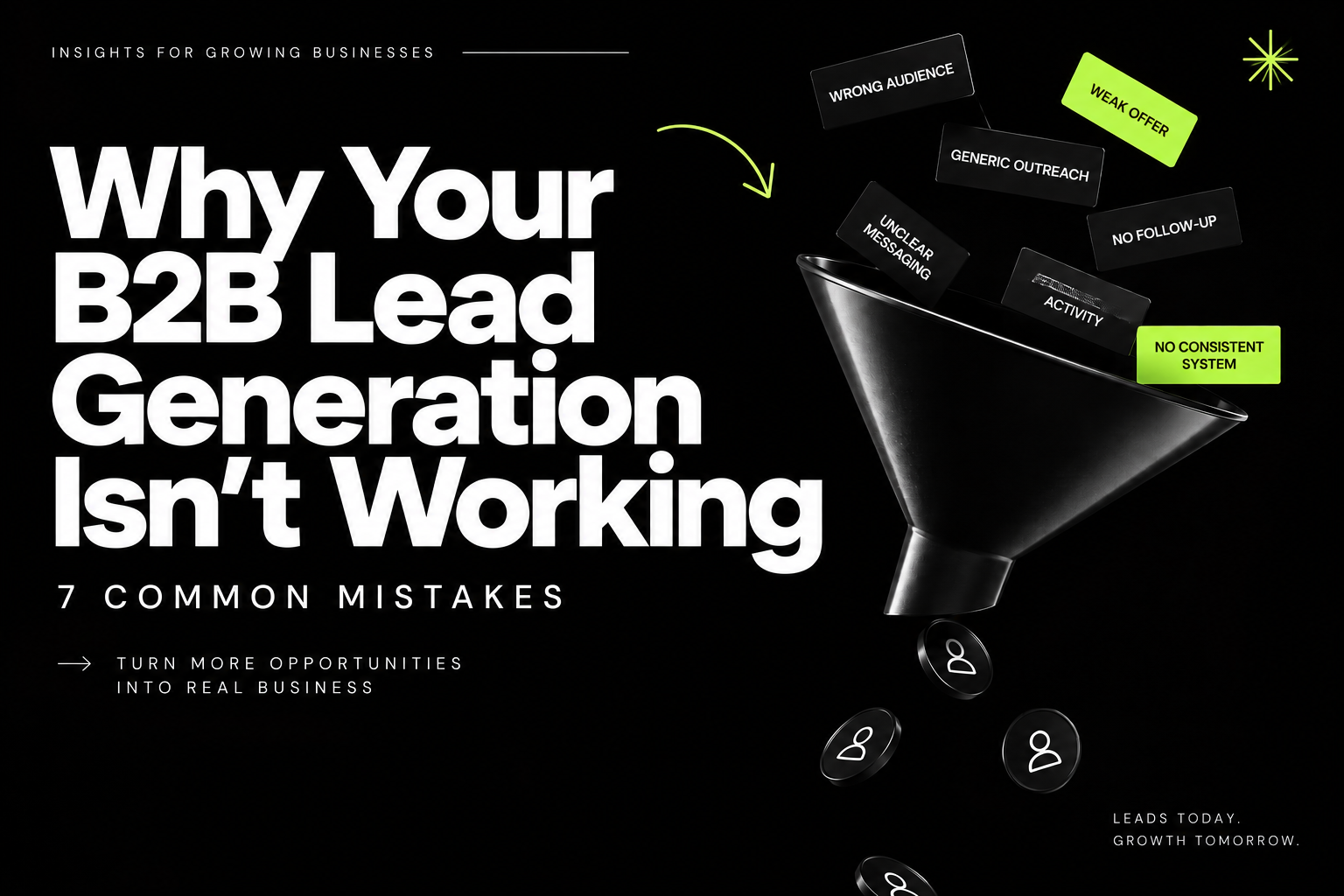
Why Your B2B Lead Generation Isn’t Working: 7 Common Mistakes
B2B lead generation often fails because businesses target the wrong audience, rely on weak offers, have unclear messaging, or fail to follow up consistently. Fixing these fundamentals can turn an inconsistent flow of leads into a more predictable sales pipeline.
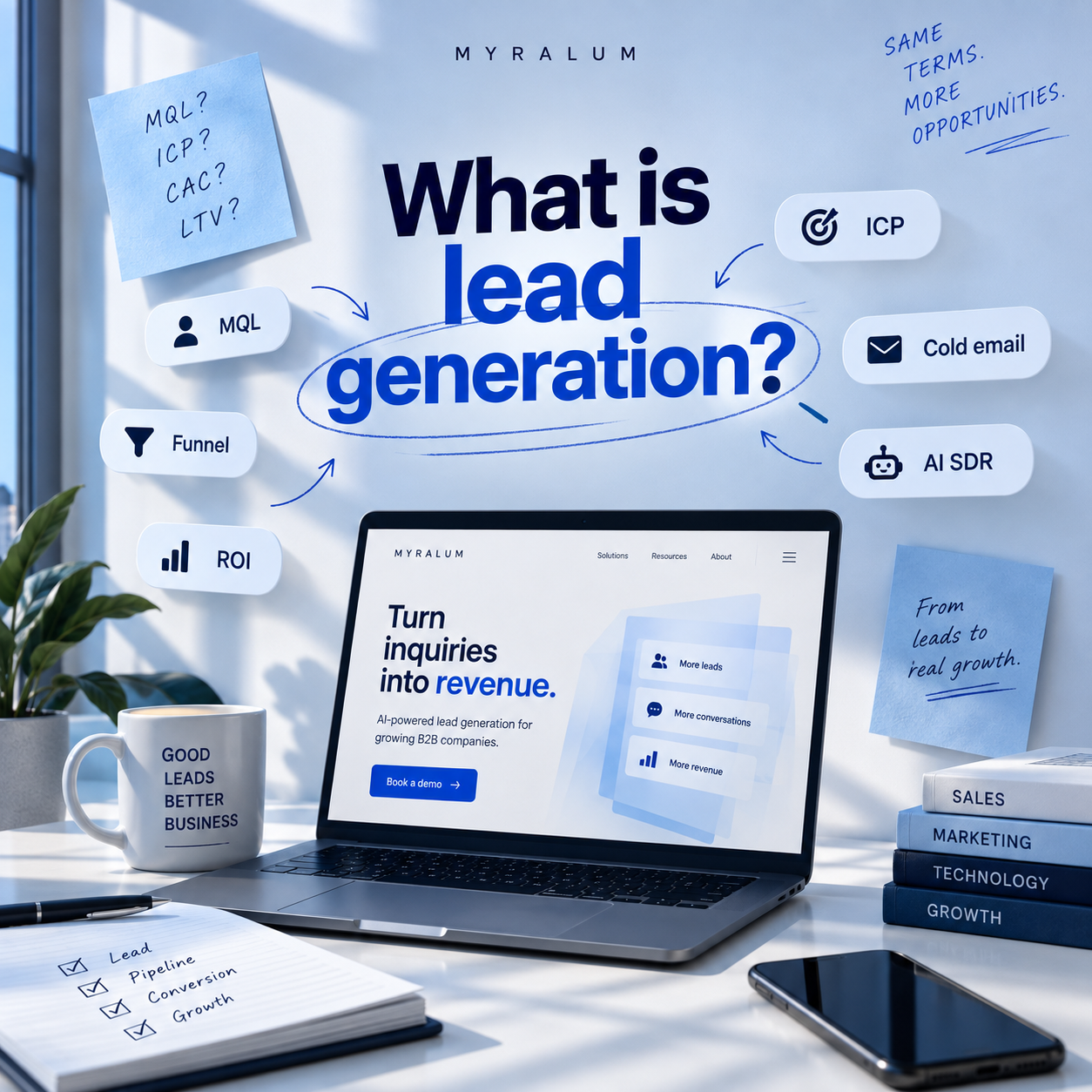
The Lead Generation Glossary: 40+ Sales & Marketing Terms You Actually Need to Know
Lead generation is the process of attracting, identifying, qualifying, and converting potential customers into sales opportunities. It combines strategies such as inbound and outbound outreach, lead scoring, CRM systems, and follow-ups to turn prospects into customers.
Have a process that should work better?
Let's look at where automation or a better growth system could make the biggest difference.